Administrative Functions / Server Status
Used to check your Local Server version and the latest released version of MAGIQ Documents core software.
Application Environment
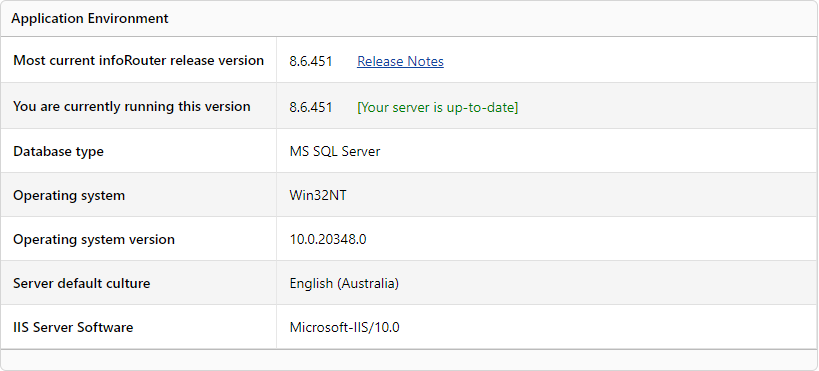
Most current infoRouter release version - Displays the latest version available.
You are currently running this version - Displays the version you are currently using.
If your Local Server Version is not the latest Released version the message [Please Run Live Update] will appear.
An IT staff member will be able to perform updates when required.
Note
You MUST contact a MAGIQ Documents representative PRIOR to performing an update.
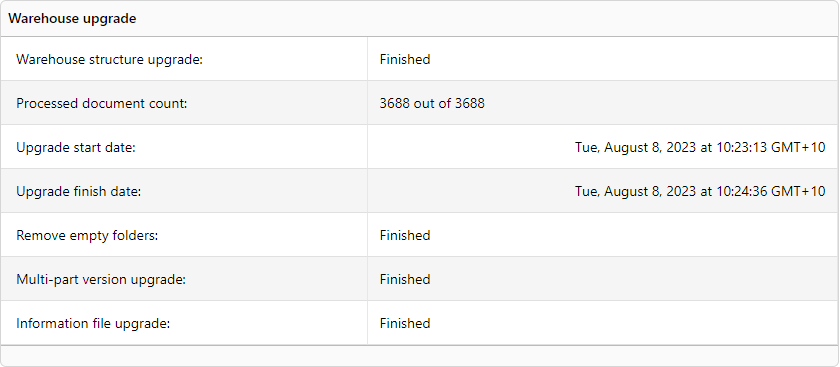
Warehouse Upgrade
Version 8.7.x introducated a change to the warehouse structure. This displays whether the warehouse structure has been upgraded.
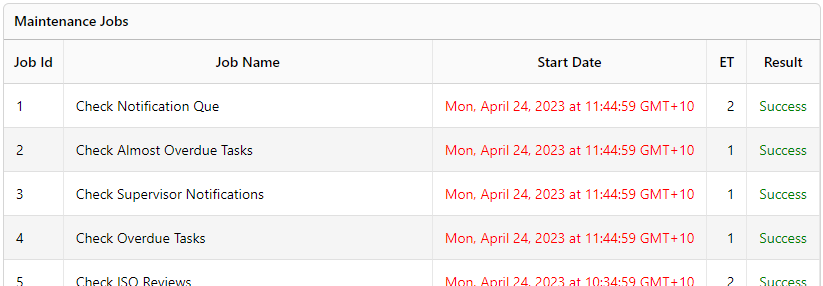
Maintenance Jobs
Displays a list of jobs that MAGIQ documents runs, what date and time they were run and whether they successfully run or failed.
Email Service Status
Provides an overview of emails waiting to be sent or have failed to be sent.

Emails in Queue - Displays the number of emails in the queue waiting to be sent
Emails in Exception Folder - Displays the number of emails that have failed to send.
To review why they emails failed to load, please refer to the emailRoot folder located on the server
Error logs
Log files are created if any system errors occur with error counts. Clicking on the date will download the log file.
Log files can be opened with a text editor like notepad or notepad++ .
