Publishing Portal / My Account
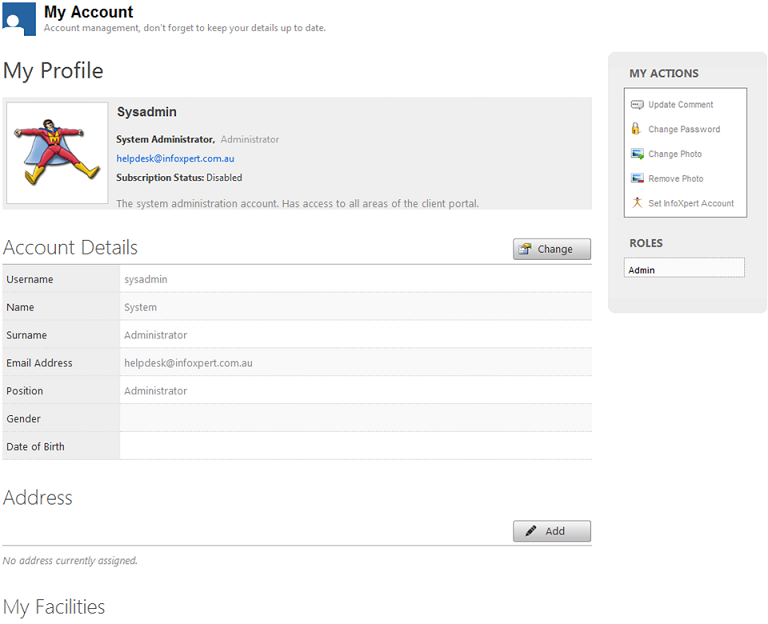
Displays the logged in users information. For example, username, name, email address, which facility the user belongs to, and what actions the user has.
Note
If a user has a role of Admin, Category Admin or Organisation Admin, the Administration option will display. For further information, please refer to the Administration section of this guide.
Note
A user can update their photo. The system administrator can remove it if it is not required or it is inappropriate.
Clicking  in this section will allow the user to change the following details.
Account Details
Displays the users Username, Name, Surname, Email Address, Position, Gender and Date of Birth.
Clicking  will save the changes.
Address
Displays the address details of the user.
Clicking Delete removes the address permanently.
Clicking in this section will allow the user to change information in all fields.
My Actions
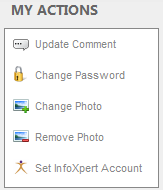
Update Comments – Adds or updates the comment specified.
Change Password - User can change their password.
Change Photo - User can add a photo to their profile. The system administrator can delete if required.
Remove Photo - User removes the photo from their profile.
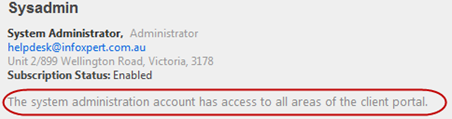
Set infoXpert Account - (System Administrator function only. Only one user can be specified. This screen will always be empty on opening).
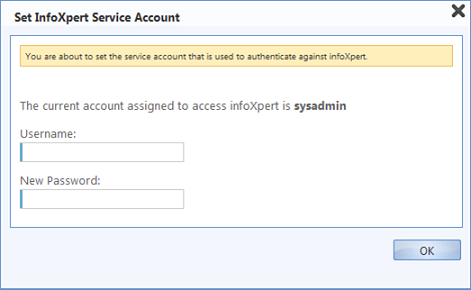
Specifies who registers the document into MAGIQ Documents, this will display as the document owner within the document properties in MAGIQ Documents. On setup, this defaults to the system administrator.
The user specified must be a MAGIQ Documents user.
Clicking Ok after entering an MAGIQ Documents username and password will display the message of "update password used to authenticate against infoXpert?" This is the final check to make sure you want to change to this user.
My Roles
Displays what roles the user has.
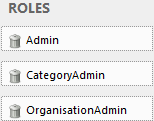
Admin - Allows the user to maintain users, category and organisation information that they belong to.
CategoryAdmin - A category can be referred to as a group or division. For Example, Engineering, Development Applications, Laboratory Services, Client Services.
Assigning a user as a Category Administrator allows them to manage all organisations and users within that category.
A user must be an administrator of a category to be a categoryAdmin.
OrganisationAdmin - An Organisation (facility) can be referred to as a subgroup. For example, Rate Payer name.
Assigning a user to be an Organisation Administrator allows them to manage Organisations and Users within that organisation.
A user must be an administrator of an organisation to be an organisationAdmin.