EasyForms / Troubleshooting
Q. My templates don't display in the administration section
A. Make sure that your template has been saved as an HTML, not HTM. A. Make sure that the template has been saved into the folder called EasyForm Templates.
Q. Clicking Admin produces the below message.
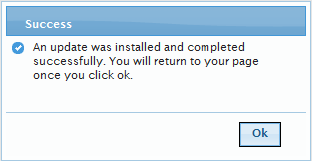
A. An update was done of EasyForms. Clicking ok has updated the relevant EasyForm features, and returned to the admin page.
Q. Within Admin, Clicking template name displays the message of "Base template not found. It may have been deleted. Please create a new easy form template to select a new base template.” and all fields are cleared.
A. The html template has been deleted. Delete this template and recreate a new one.