Reporting / Cloud / Dashboard
Opening Reporting and Analytics, you might be presented with a dashboard which shows alerts, and links to our standard reports. Information from other MAGIQ Performance connectors can be shared across dashboards such as budgeting, general ledger, assets, rates etc can be included on the document dashboard.
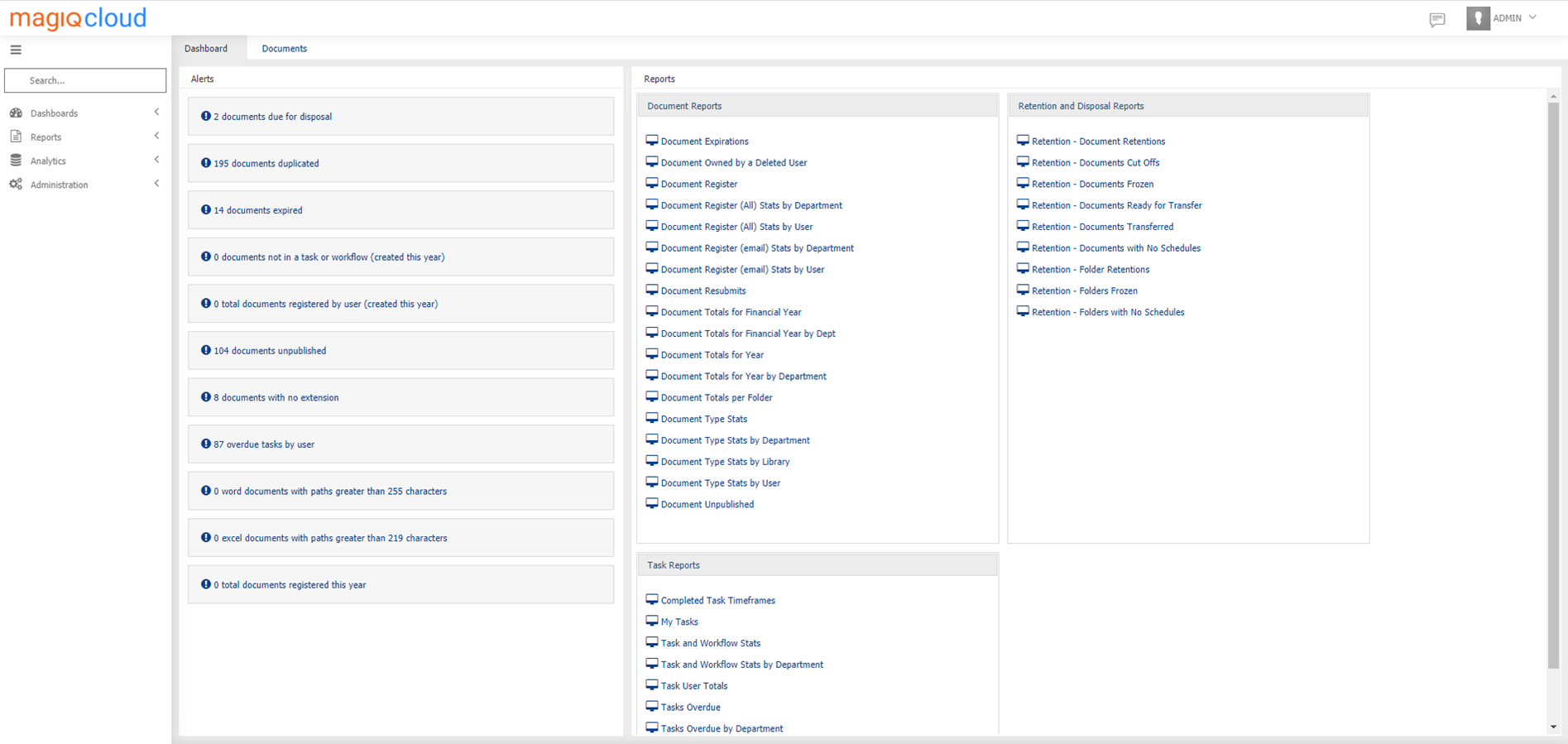
Alerts
Alerts have drill down functionality which allows you to drill into the detail. Alerts are only available in Dashboards.
Our standard alerts are:
Total documents registered by user - Total number of documents registered by users.
Documents due for Disposal -This is based upon the retention and disposal schedule applied to the document.
Documents Duplicated - Documents with the same name.
Documents Expired - Documents which have expired. This is based on the document expiration date applied to the document.
Documents not in a Task or workflow - Documents registered that have not been sent to a workflow/task.
Documents Unpublished - Documents that are not published.
Documents with no extension - Documents registered with no extension, for example .docx, .pdf etc.
Overdue Tasks by user - List of overdue tasks by user.
Documents with paths greater than 250 characters - Word documents have a maximum character limit of 250. MAGIQ Documents version prior to 8.6 included the authentication ticket in the document path of the document which caused restrictions.
Documents with paths greater than 219 characters - Excel spreadsheets have a maximum character limit of 219. MAGIQ Documents version prior to 8.6 included the authentication ticket in the document path of the document which caused restrictions.
Total Documents Registered this year - Total number of documents registered in the current year.
Reports
Note
MAGIQ Reporting and Analytics standard reports are 'read only' meaning filters, conditions, reports cannot be changed unless in consultation with MAGIQ Software.
Provides a list of reports, which have been created and saved by a power user or are the MAGIQ Documents standard reports.
All standard reports exclude the libraries of, MAGIQ Reports, System Files, Form Templates and Deleted folders.
- From the list of standard reports, click the report name.
-
You may be presented with a list of parameters, such as date ranges. Theses parameters are not mandatory, however, if not used your data may take longer to run.
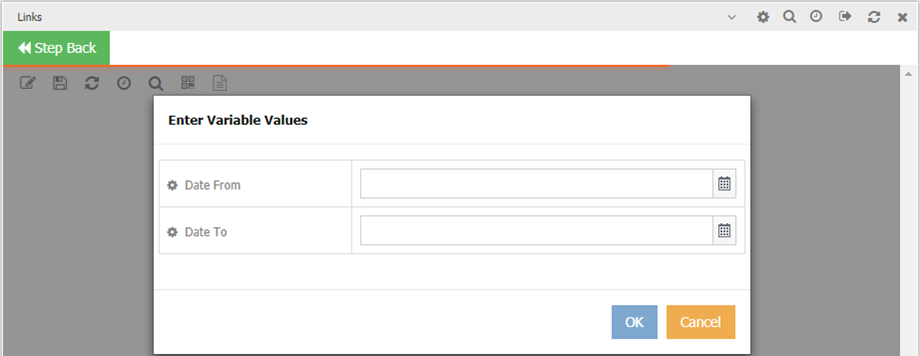
-
Additional filters can be used to further reduce your results, such as choosing a relevant library, specifying specific document types, document extensions, departments, who the document was registered by.
-
Reports can be sent to excel for printing:
- To send report to excel.
- Right click, select Send To.
- Choose Excel – As Is.
- To send report to excel.