Publishing Portal / Administration / Manage users
User can have different menu options available.
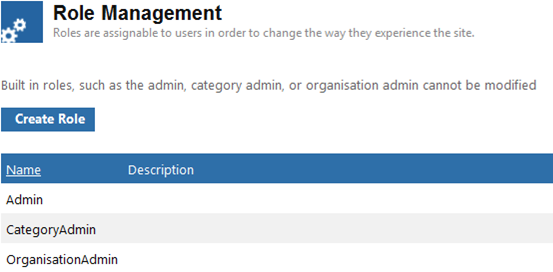
To Create a Role
- Click

- Enter a Role Name and Description.
- Click

To Edit the role
- Click Edit next to the role name. A home page has been created for the role.
Applying users to the role
This needs to be manually configured via \\IXPublishingPortal\Site\AppData\menus.
Refer to the Publishing Portal Customisation Guide for further information.