MS Office - Missing CDO DLL
Symptoms
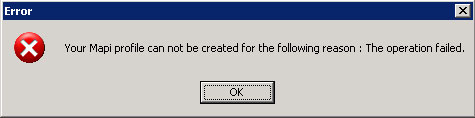
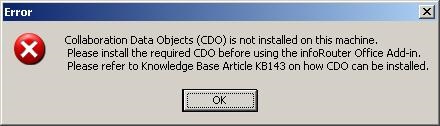
Office Add-in raises an error message indicating that a MAPI profile cannot be created. Depending on your release level you may get one the error messages below:
Resolution
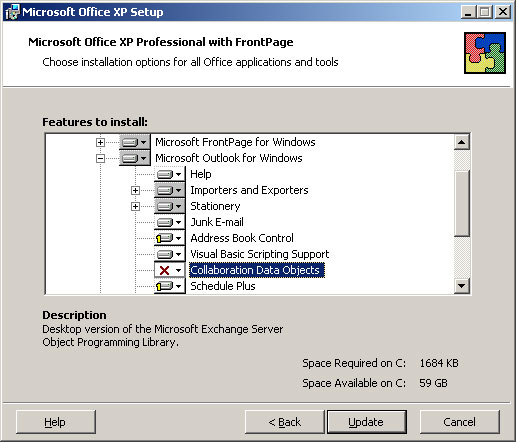
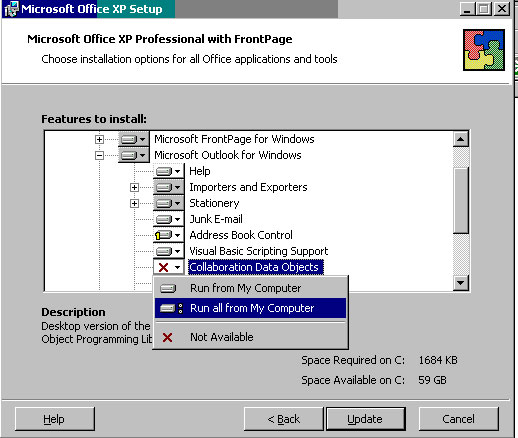
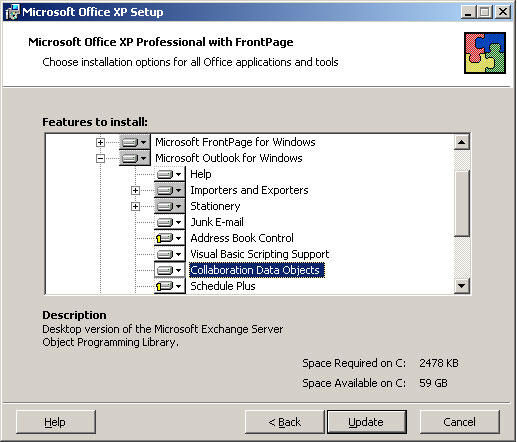
This error message is raised in cases where MS Office has been installed and the option to install CDO has not been selected. MS Office versions 2000-2003 do not require that CDO is installed and the option to install CDO has been left "unchecked" by default
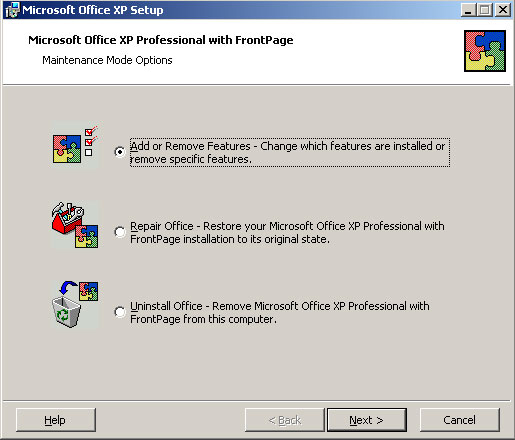
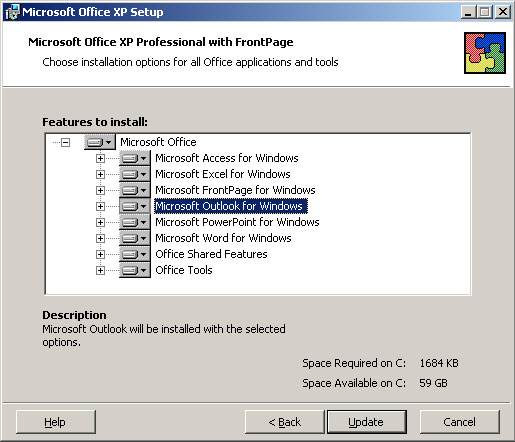
To resolve this issue, you must insert the installation CD/DVD and launch the Office setup again. Please follow the setup program as shown below: