EasyForms / Editing a Saved Document
Note
On creation of the document, if the HTML form has information recorded to a custom set, for example Correspondent Information, when the document is edited and the custom property set is changed it will be updated.
If a custom property set has been added through the document properties after the document is edited, this custom property set will be ignored.
Editing from the document library or search result:
- Tick the box to the left of the document name.
- Click Link To.
- Select Edit in EasyForms.
- The form will display with all fields populated based on what was entered at time of creation
- Make any required changes.
- Click Submit.
-
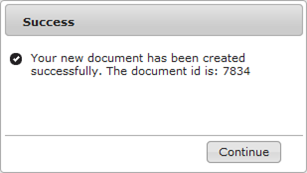
On successful registration a confirmation box will appear with the document id.
-
Click Continue
This will return you to the EasyForms home page for creation of further documents.
Editing from the In-Tray
- Click the action menu next to the task.
- Select Edit in Easyforms.
- Make your necessary changes.
- Click Submit.