Outlook Connector / Attach Document
Composing an email may require you to attach a document that already exists in MAGIQ Documents.
-
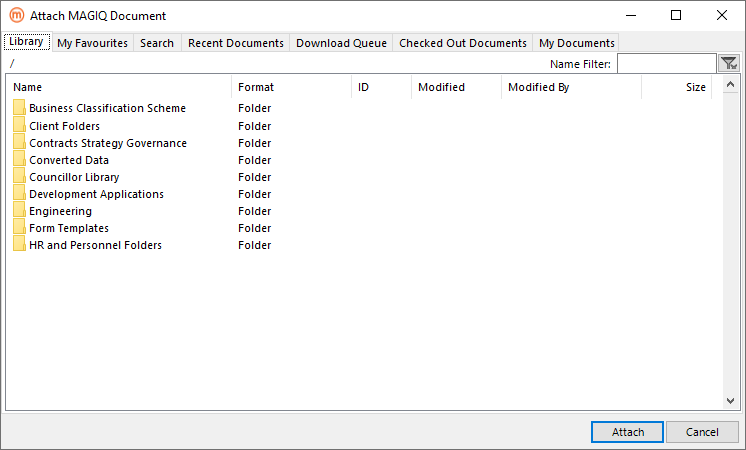
Click Attach Document from the outlook ribbon.
-
Navigate through the relevant library. Or, click My Favourites tab to select the relevant document Or, search for the required document.
- Select the relevant document.
- Click Attach.
- The document has now been added to your email as an attachment.