Postpone tasks
Allows you to change the due date for the active task. This option is only available if the task assigner has selected 'Change Due Date' when assigning the task
To postpone a task
- Click

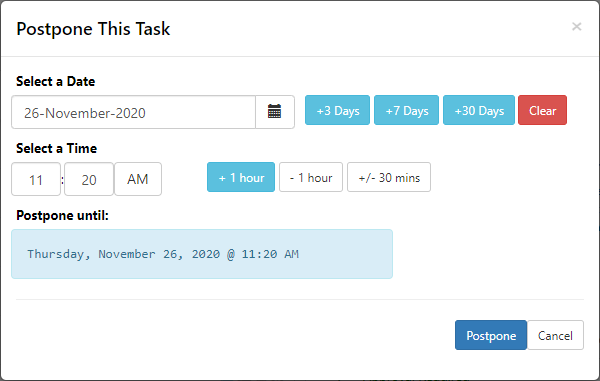
- Select new due date and time.
- New due date will be confirmed in the blue text box, ensure this reflects the correct due date
- Click Postpone