EasyForms / Creating a Document without Prompting for Other Actions
-
Click the category and template you wish to use.
A Please Wait window will briefly appear.
-
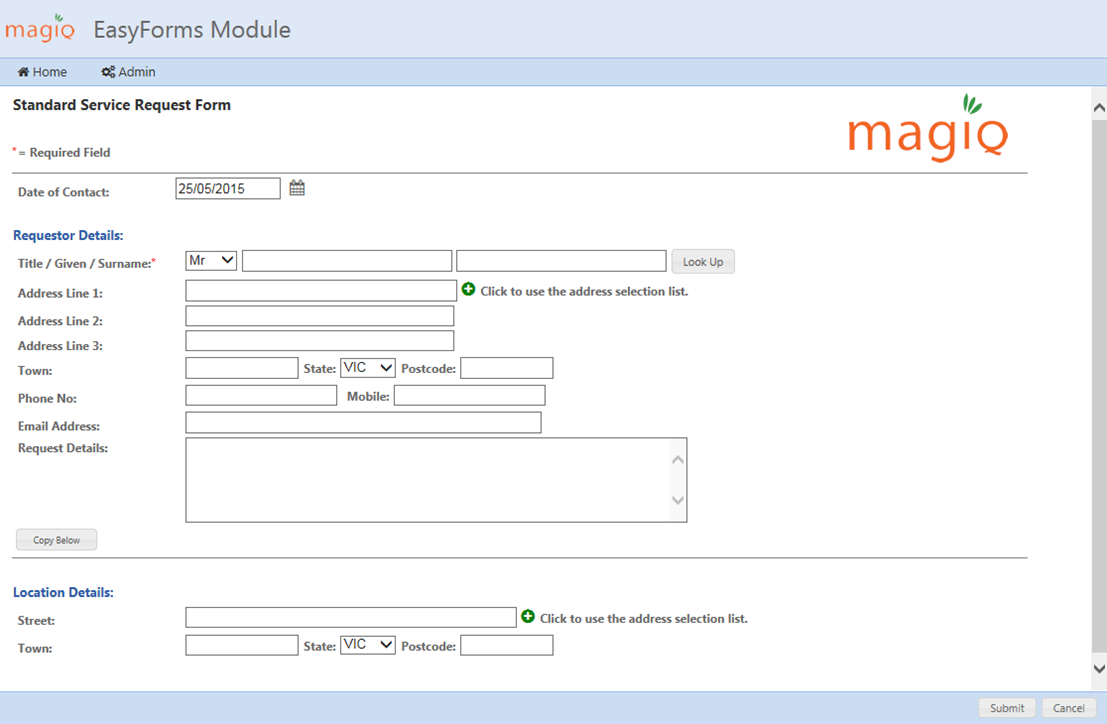
Your form will now display, complete all relevant details.
-
Click Submit.
-
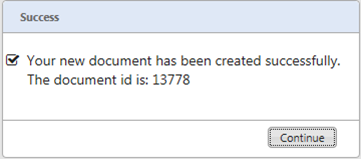
On successful registration a confirmation box will appear with the document id.
-
Click Continue.
This will return you to the EasyForms home page for creation of further documents.